Voice (browser)
Beta feature. Browser voice works well but is a secondary option — most people will use the phone integration for voice conversations. This page is here for those who want to try it.
Talk to your delegate out loud — right in your browser. No phone needed, no extra apps to install. Click the microphone button and have a real spoken conversation in real time.
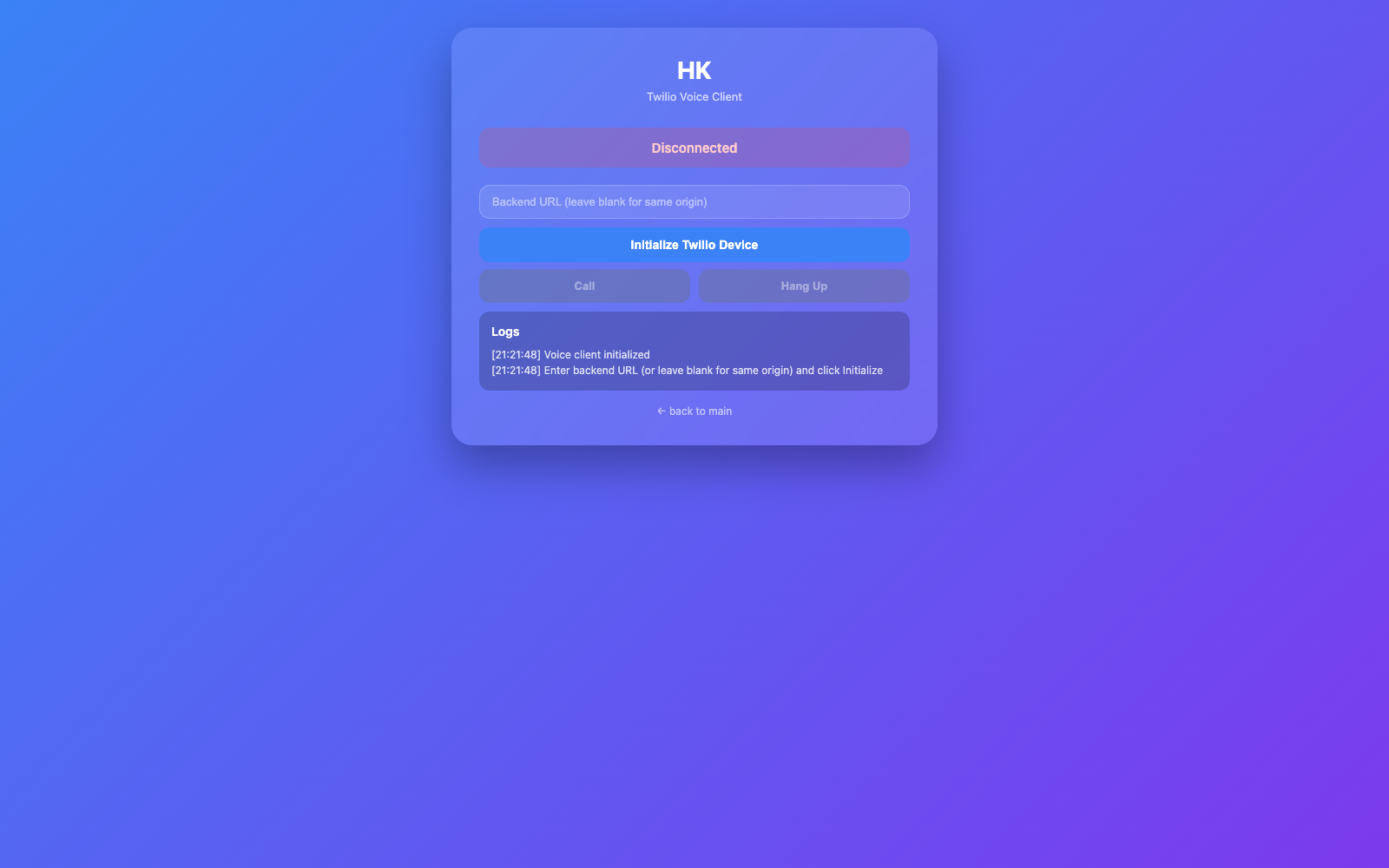
How to use it
- Click Voice (browser) in the sidebar menu.
- Click the microphone button to start a session.
- Start talking. Your delegate will listen and respond with speech.
- Click the button again to end the session.
That’s it. The conversation works just like talking to another person.
Interrupting mid-sentence (barge-in)
You don’t have to wait for your delegate to finish speaking before you talk. If you want to jump in, just start talking — your delegate will stop what it’s saying and listen to you immediately. This makes the conversation feel natural rather than taking rigid turns.
Voice presets
You can customise the voice your delegate speaks with — things like which voice character is used, speaking speed, and the underlying model. These are managed as voice presets in your settings.
Browser voice vs. phone
| Browser voice | Phone | |
|---|---|---|
| Setup | None — works in any browser tab | Requires a phone number to be configured |
| Cost | Free | Depends on your phone plan / Twilio usage |
| Best for | Quick conversations at your desk | Talking while away from your computer |
Both options give you the same delegate and the same conversation — it’s just a question of which device is more convenient at the time.
Testing / simple version
/voice-direct.html is a stripped-down version of the voice interface that’s useful for quickly checking that the microphone and audio connection are working.
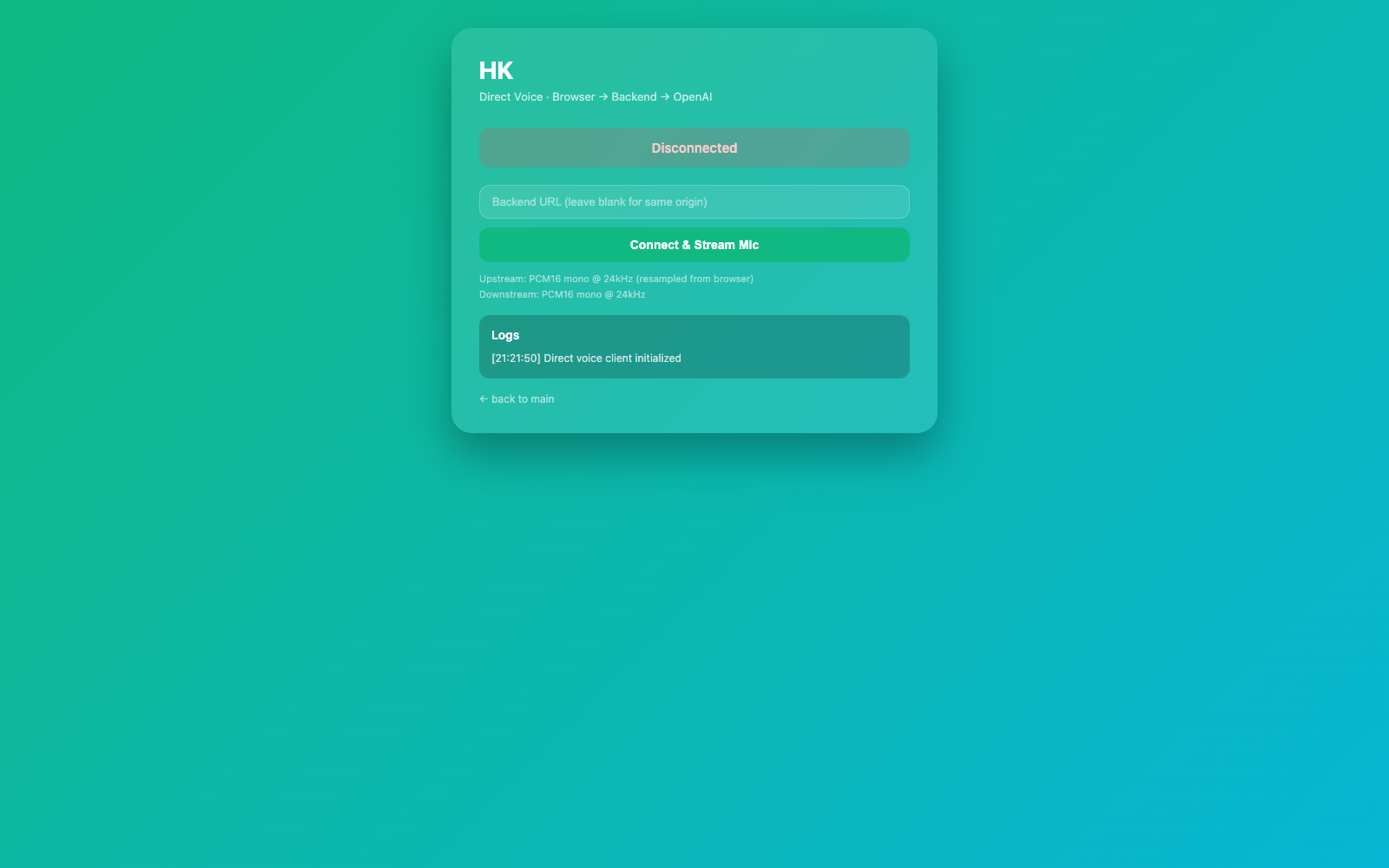
Technical details
- Audio path: browser mic → PCM16 24 kHz →
/browser-callWebSocket → OpenAI Realtime API → PCM16 frames back → Web Audio API playback. - Barge-in: interruption is handled natively by Realtime API turn detection (
interrupt_response: true). The server flushes downstream buffers and suppresses stale deltas during interruption handling. Implementation:src/session/browserCall.ts, shared pipeline insrc/voice/. - Voice presets stored in
runtime-data/voice-presets/; defaults fromREALTIME_VOICE,DELEGATE_VOICE_SPEED, and base agent voice config. - Voice pipeline tests:
npm run test:voice(src/voice/voicePipeline.test.ts). End-to-end flows covered bynpm run test:e2e. - See also: Phone (Twilio) — same Realtime API plumbing, different audio codec (G.711 µ-law).