Logging
The backend writes to stdout and to an in-process ring buffer (src/logBuffer.ts) that powers the Logs page.
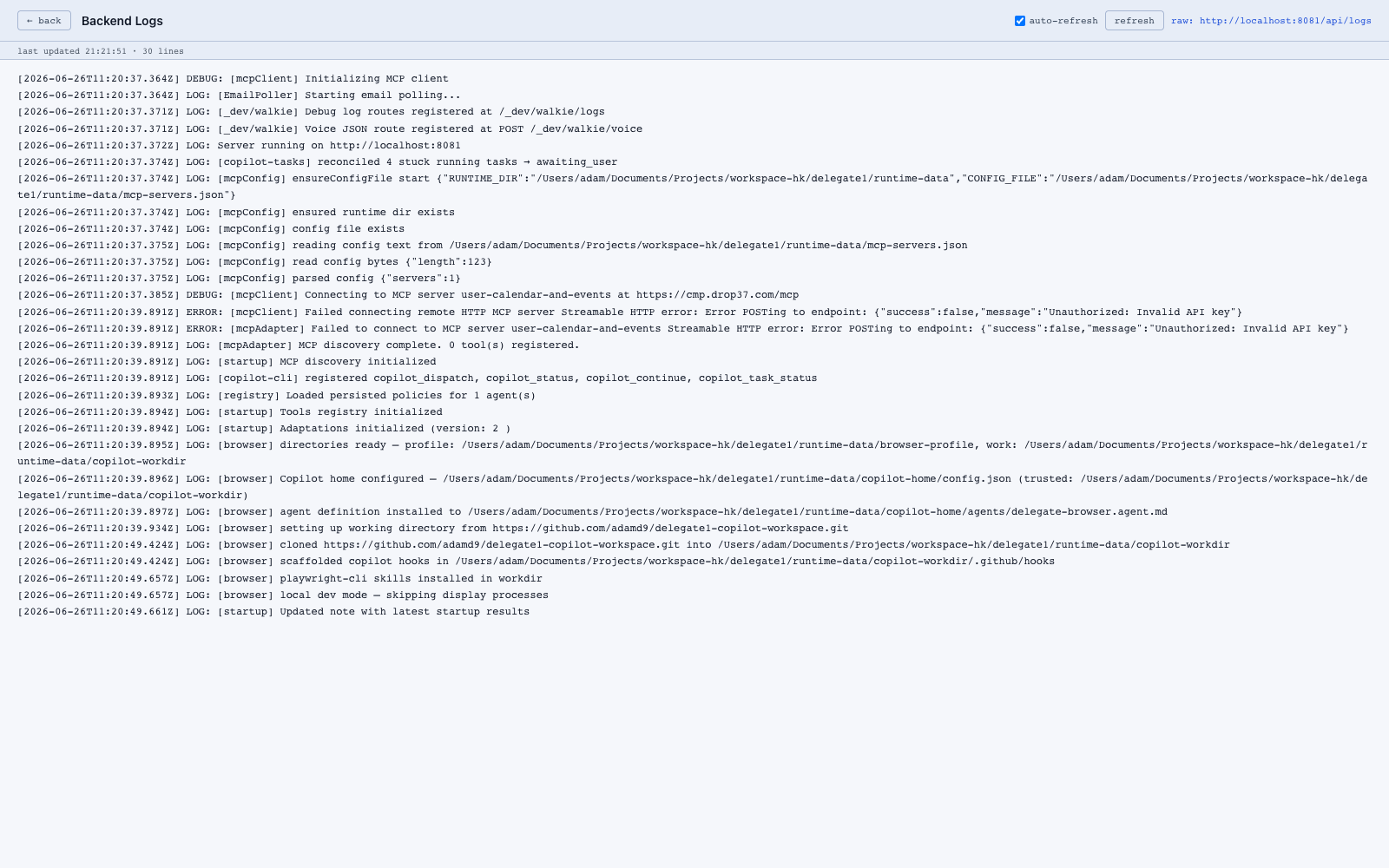
UI
/logs.html streams the buffer live. Useful for debugging:
- Tool registry init (
[startup] Tools registry initialized) - MCP connections (
[mcpClient] Connecting to ...) - Agent turns and escalations
- Voice/phone barge-in events
API
| Method | Path | Purpose |
|---|---|---|
| GET | /api/logs |
Read the buffer |
Debug flags
| Env var | Effect |
|---|---|
LEDGER_DEBUG=1 |
Verbose event-ledger logging (powers thoughtflow) |
ITEMS_DEBUG=1 |
Verbose item-level tracing in the agent loop |
Dev “walkie” routes
For lower-level debugging there are _dev/walkie/* routes (POST/GET /_dev/walkie/logs, GET /_dev/walkie/logs/stream, POST /_dev/walkie/voice) — these are not for general use but are handy when iterating on voice or log handling.